Portable Satellite Radio services
01
📡 What Portable Satellite Radio Services Are
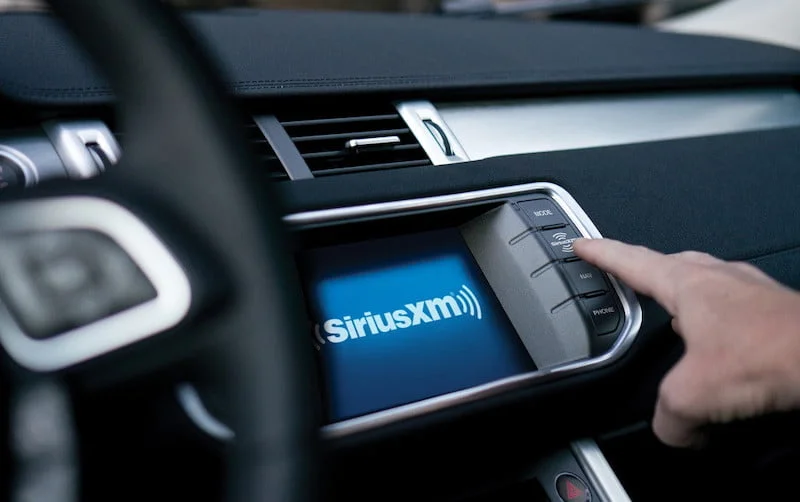
Satellite radio is a broadcast service that sends digital audio signals from satellites to special receivers, providing high-quality audio and broad coverage — usually across an entire continent. It requires a receiver and a subscription with a satellite radio provider.
02
Major Satellite Radio Provider
SiriusXM — delivers music, sports, talk, news, and entertainment channels via satellite. You subscribe and use a compatible receiver to access the channels.
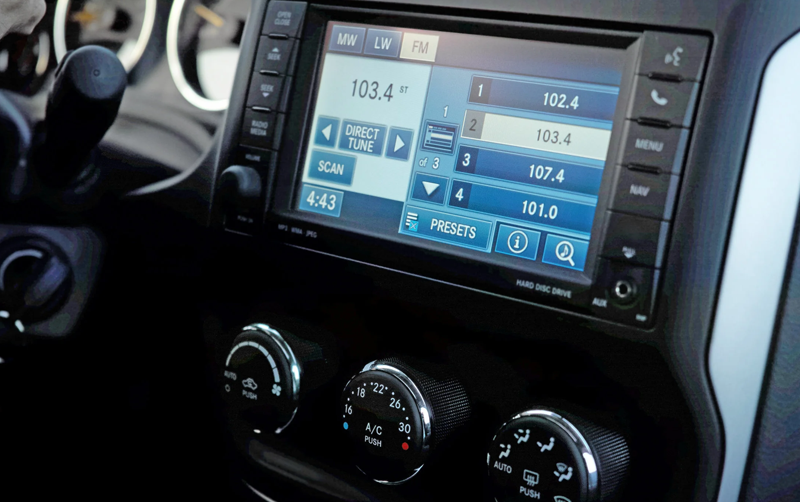
Note: In most other countries, commercial satellite radio services like SiriusXM are not available unless specifically licensed, and there are no global portable broadcast services. Internet streaming apps (Spotify, TuneIn, etc.) are the usual alternatives.
03
🛰️ Best for Satellite Radio Listening
GDL 51 Portable SiriusXM Receiver – Premium portable receiver (often used for aviation or where mobile satellite reception is needed). Good if you need truly portable satellite access.
SiriusXM SXPL1V1 Onyx Plus Satellite Radio – Excellent SiriusXM receiver with vehicle kit and portable options; ideal if you want a portable device and one you can dock in your car.
Sirius Stratus 4 Satellite Radio Receiver – A basic SiriusXM radio that can be moved between places; works well with car or home antenna.

📶 How Portable Satellite Radio Works
Receiver: You get a portable satellite radio receiver compatible with a satellite radio provider. Subscription: You activate a subscription with the provider (e.g., SiriusXM). Satellite Signal: The receiver picks up signals from satellites — typically where there’s a clear line of sight to the sky (windows or outdoors). Listening: You play audio through headphones, Bluetooth speaker, or connect it to a stereo system.
Portable Satellite Radio Setup (Step-by-Step)
01
Position the Antenna 📡
Place antenna near a window or outdoors
It must have a clear view of the sky
Avoid thick walls, metal roofs, or basements
02
Connect the Antenna
Plug antenna into the ANT port on the receiver
Secure the cable so it doesn’t move
03
Power On the Receiver
Connect to power (AC adapter or car adapter)
Turn on the radio
Wait for signal lock (usually takes 1–3 minutes)
04
Activate Subscription
Find the Radio ID (Channel 0)
Activate via:
SiriusXM website
Mobile app
Customer support
05
Connect Audio Output 🔊
Plug in headphones OR
Connect AUX cable to speaker/stereo OR
Pair via Bluetooth (if supported)
06
Outdoor / Travel Setup Tips
Use a portable speaker + AUX cable
Place antenna on:
Balcony,
Vehicle roof,
Window ledge
Keep receiver shaded from heat and rain